TIER 1SELECTED
Up to 20scale entries
The single-site essential
$1,000/ first year
Complete operational features
First year included · then $199/year
First year included · then $199/year

Bring your scales, tickets and records together.
Purpose-built for the people who keep production moving.
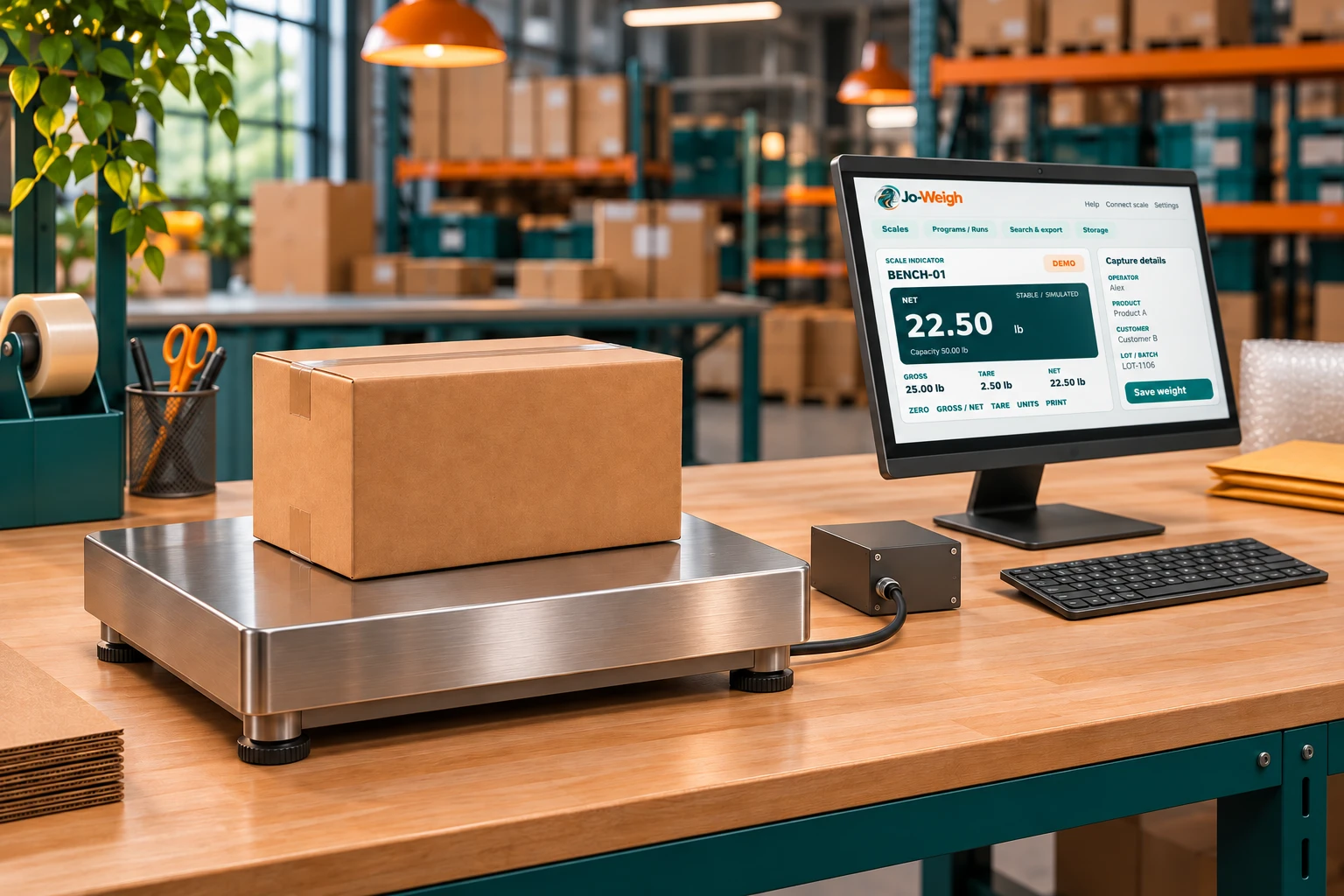
Follow a Tier 1 workflow: switch scales, set up a product run, capture a stable weight and print a branded label for the box.
A dedicated Windows application for live readings, everyday weighing and records you can actually use.
Use a Pico USB or local Wi-Fi base, or receive a supported continuous serial stream from your indicator.
Add your company logo, choose your paper and print through installed Windows printer drivers.
Search by product, customer, scale or date. Export the matching records to CSV or Excel.
Capture product, customer, lot and operator with every weight. Group your work into runs, print a branded ticket and export exactly what you need.
Product runs · Branded tickets · CSV & ExcelCompatibility depends on the exact device, output format and wiring. Serial input is receive-only. Guided batching does not control machinery.
One Windows installation. All core features.
Choose the active scale-entry limit you need.
The single-site essential
Room for your next line
Built for a busy floor
Your complete operation
Prices are per Windows installation. Active entries count even when disconnected. Applicable tax is calculated at checkout. Hardware and site commissioning are separate. Checkout is not yet available.
Your initial purchase includes the first year, starting on the date your paid software key is generated. Your first renewal is due on that date the following year, with later renewals on the same anniversary. Renewals extend the same key; downloading or activating it later does not reset the date.
Preview the customer portalSelect the scale tier for your Windows installation.
Once payments launch, confirmed payment issues your activation code automatically.
Successful annual renewal extends the same license. Manage billing from your account.
Put Jo-Weigh through its paces with your scale, your ticket layout and your printer. Sign in to download the software and prepare for a 30-day live trial.
Jo-Weigh receives supported continuous serial output through a Windows COM port. Fixed13 and configurable Custom ASCII profiles are supported. Your dealer should verify the indicator, output sample, wiring and settings. Zero, tare and other serial indicator controls remain on the indicator.
Weighment records are stored on the Windows PC. Live weighing requires a valid license and an online license refresh at least every 24 hours. Pico Wi-Fi connections use your local network.
Live weighing requires current access. Demo Mode, saved records and reprints remain available after expiry. The license system does not delete your weighing history.
The dealer trial lasts 30 days from first activation. Sign in as a dealer and download the Windows application to explore Demo Mode now. Live trial activation will open when the online license service launches.
Jo-Weigh is Windows software. The computer, scale, adapters and printer are separate. It requires a 64-bit Intel/AMD Windows PC and commissioning for your equipment.
Jo-Weigh software does not provide legal-for-trade certification. Any regulated application requires the appropriate equipment, configuration and local approval.